RCS in Healthcare: Appointment Management and Patient Engagement
RCS in Healthcare: Appointment Management and Patient Engagement
Healthcare has a well-known problem: no-shows. Patients book appointments, life happens, and 20-30% don't show up. For healthcare providers, that's lost revenue and unused appointments that could have gone to other patients.
RCS doesn't solve no-shows entirely, but it dramatically reduces them. I've worked with healthcare providers who reduced no-shows by 50% by switching from SMS reminders to RCS reminders.
Here's why and how.
The Appointment Reminder Problem
Current SMS reminder: "You have an appointment tomorrow at 2 PM. Call 555-0123 to reschedule."
Problems:
- Patient deletes the text
- Patient isn't sure where to go or what paperwork to bring
- Rescheduling requires a phone call (friction)
- Patient forgets by tomorrow anyway
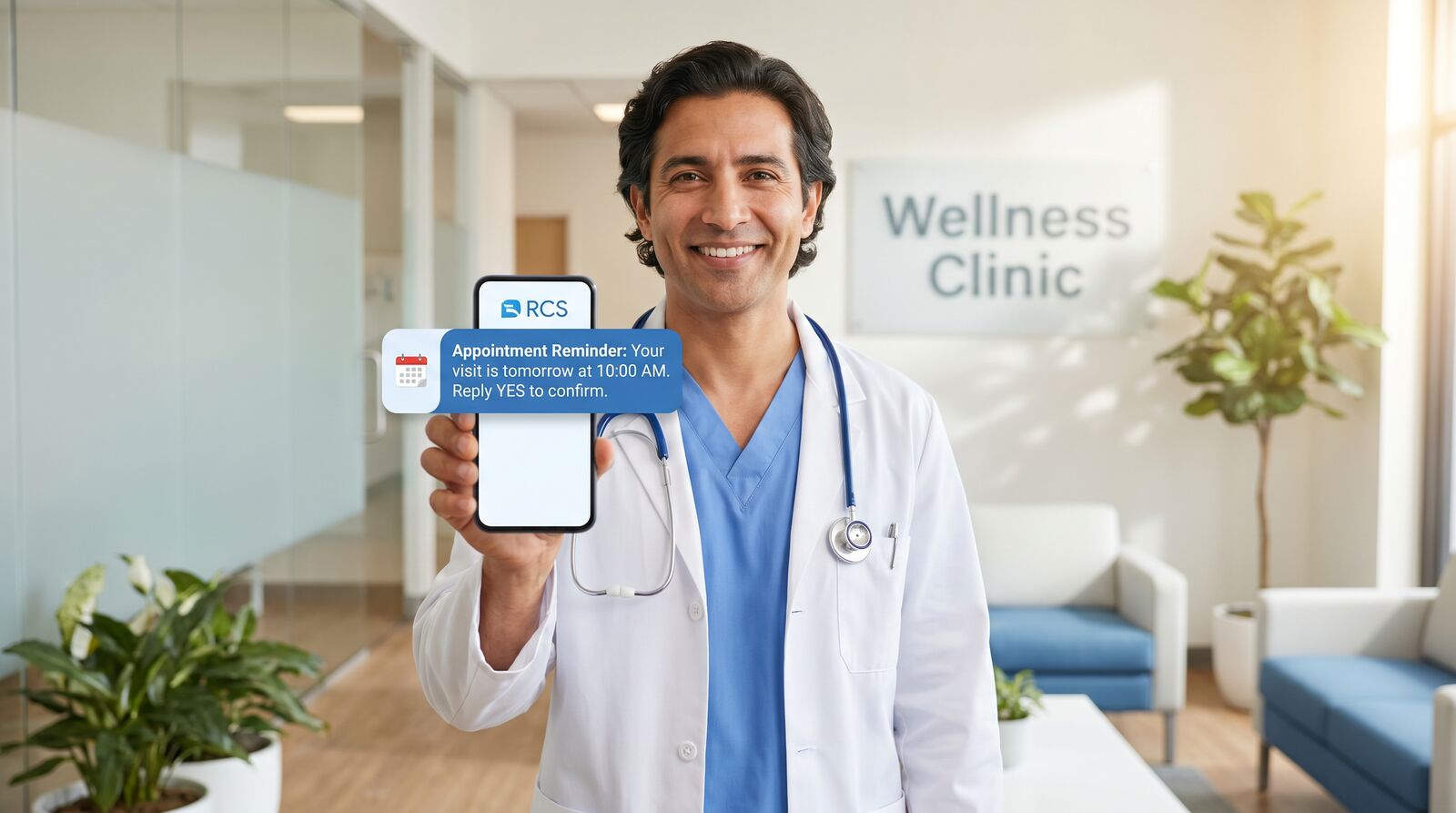
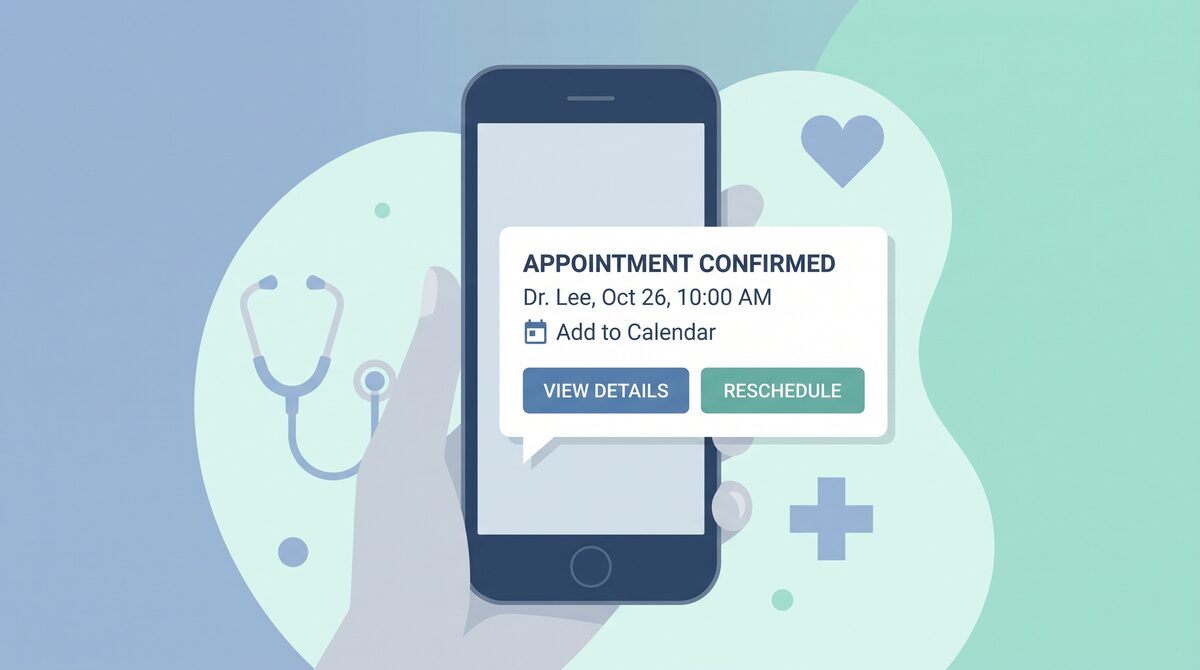
RCS reminder: "Your appointment with Dr. Smith is tomorrow at 2 PM. Review your paperwork (attached PDF), confirm you're coming (one tap), or reschedule (interactive calendar)."
Benefits:
- All appointment details in one place
- One-tap confirmation locks them in
- Calendar-integrated rescheduling (no phone call)
- Reduced cognitive load
Result: 15-20% higher show-up rates just from better reminders.
Pre-Appointment Messaging
This is where RCS shines for healthcare. You can prepare patients before they arrive:
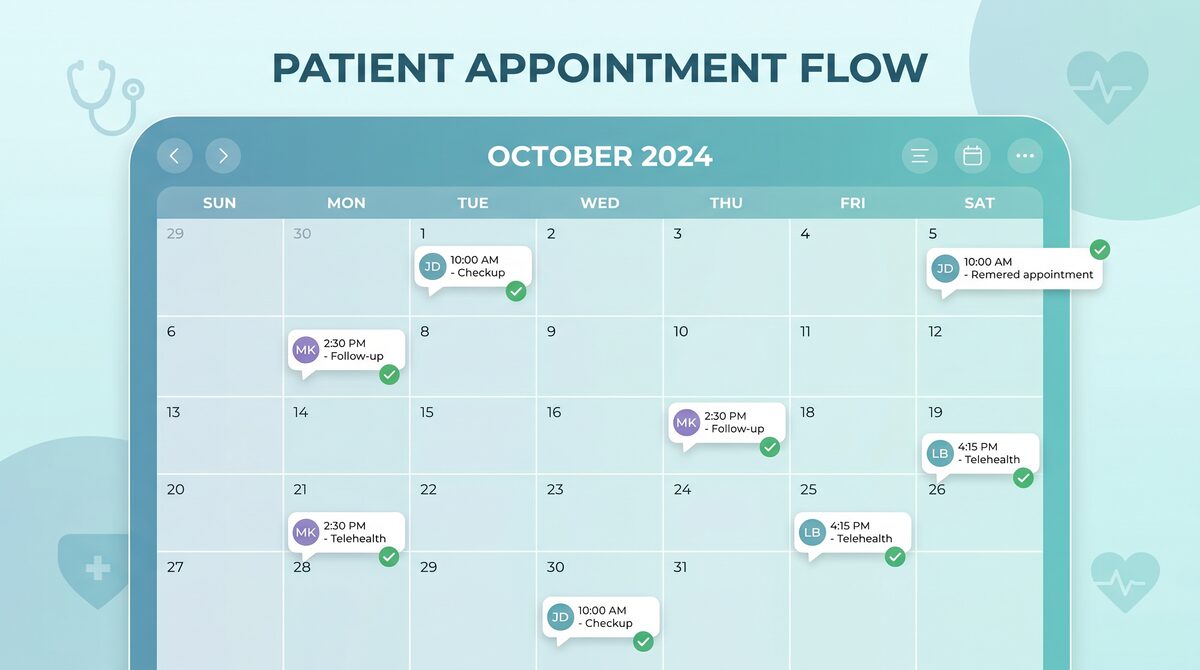
Day 5: Appointment confirmation. "You have an appointment in 5 days. Confirm you're coming."
Day 3: Prep instructions. "Bring your insurance card and photo ID. Here's a checklist of what to bring." (Rendered as a nice formatted message with checkboxes, not a text wall)
Day 2: Parking/location info. "The clinic is at address. Parking is in the deck on the north side. Here's a map." (With interactive map button)
Day 1 evening: Final reminder. "See you tomorrow at 2 PM. Check in using our kiosk when you arrive, or tap to notify us you're here." (Pre-check-in button)
Day of: Morning reminder. "Your appointment is in 2 hours. Traffic is normal. Confirm you're on your way."
This multi-touch approach doesn't feel like nagging because each message has genuine value. Patients are either confirming, getting useful information, or being reminded at the moment of decision.
The Financial Impact
Let's do some math:
Healthcare provider with:
- 200 appointments per week
- 25% no-show rate currently (50 no-shows/week)
- Average appointment revenue: $150
Current situation:
- 150 patient appointments
- 50 no-shows (lost revenue)
- Weekly lost revenue: $7,500/month = $30,000
With optimized RCS reminders:
- Show-up rate improves to 90% (12.5% no-shows instead of 25%)
- 175 patient appointments
- 25 no-shows (lost revenue)
- Weekly revenue: $26,250/month
- Additional revenue: $105,000/month = $1.26M/year
Implementation cost: $20,000-30,000. Payback period: 1 month.
Even reducing no-shows by just 20% (from 25% to 5%) adds $420,000 in annual revenue.
Post-Appointment Engagement
The patient relationship doesn't end when they leave:
Immediate follow-up: "Thanks for your visit today. Here's your discharge summary and next steps." (PDF attachment)
Post-procedure: "Recovery tips for your procedure." (Care instructions with interactive checklist)
Prescription reminder: "Your prescription is ready for pickup at pharmacy. Tap to confirm pickup."
Symptom check-in: "How are you feeling post-visit? Any concerns?" (Quick symptom check and nurse follow-up if needed)
Appointment scheduling: "Time for your next checkup? Schedule your next visit in seconds." (Interactive calendar)
This keeps patients engaged, reduces complications by catching issues early, and naturally leads to repeat bookings.
Managing Sensitive Information Securely
Healthcare messaging has regulatory requirements (HIPAA, state laws, etc.). Here's how to do RCS right:
Secure delivery: Only send to verified phone numbers. Confirm the patient owns the number.
Minimal PHI in messages: Don't put full medical details in the message text. Keep it high-level. "Your test results are ready. Click to view securely." (Link goes to secure portal)
Audit trail: Log every message, every delivery, every interaction. RCS platforms typically handle this, but verify.
Opt-in/opt-out: Clear consent. "Healthcare providers use RCS to send appointment reminders and care information. Do you consent?" Document the response.
Encryption in transit: Your RCS provider should encrypt all messages. Verify this.
Link to secure portal: Don't put sensitive data in RCS itself. Use RCS as a notification channel, not a data storage mechanism.
GOOD: "Your lab results are ready. Click to view securely in your patient portal."
BAD: "Your cholesterol is 200, LDL is 130, HDL is 45. Here's your treatment plan..."
Different Use Cases by Provider Type
Primary Care:
- Appointment reminders (huge value)
- Preventive care reminders ("Time for your annual checkup")
- Prescription refills ("Refill your blood pressure medication")
- Sick visit triage ("Is this urgent or can you wait?" via symptom questions)
Dental:
- Appointment confirmation/rescheduling
- Pre-visit instructions ("Avoid eating/drinking for 1 hour before")
- Post-visit care ("Follow these instructions for crown care")
- Recall reminders ("Time for your cleaning")
Mental Health:
- Appointment confirmation
- Crisis resources ("Feeling overwhelmed? Here are resources")
- Medication reminders ("Time for your daily dose")
- Between-appointment check-ins ("How are you doing this week?")
Surgery/Specialists:
- Pre-surgery prep ("Here's what to do before your procedure")
- Day-of confirmation ("Your surgery is scheduled. Don't eat after midnight.")
- Post-op follow-ups ("How's your pain level?" with 1-5 scale)
- Complication screening ("Any unusual symptoms? Describe or call")
Handling Patient Responses
When patients respond to RCS messages, you need systems to handle those responses:
Confirmed appointment: Mark as confirmed, reduce no-show risk, adjust staff scheduling.
Rescheduling request: Show available slots, let them pick one, confirm automatically.
Care question: Route to nurse line or chatbot depending on urgency.
Symptom report: Triage based on severity. Minor issues go to FAQ; concerning issues escalate to provider.
This requires integration with your appointment system and patient communication protocols, but it's totally doable.
Integration with EHR
Best practice is to integrate RCS with your Electronic Health Record system:
- Pull appointment data automatically
- Send reminders from the EHR (not a separate system)
- Log patient responses back into the EHR
- Use EHR data to personalize messages
This eliminates manual work and ensures the information is always current.
If your EHR doesn't support RCS natively, work with your RCS provider on integration. Most have pre-built connectors.
Common Healthcare RCS Mistakes
Sending too much too often: Patients opt out if they feel spammed. Stick to the essentials: confirmation, prep, reminder, follow-up.
Using RCS for diagnosis or clinical advice: That's what nurses and physicians are for. RCS is a notification and coordination channel, not clinical decision-making.
Not securing sensitive data: Don't send full lab results, full medication lists, or detailed diagnoses in RCS. Use it to point to secure portals.
Ignoring cultural considerations: Healthcare is diverse. Tailor language, cultural references, and health information to your patient populations.
Not training staff: Your nurses, front desk, and providers need to understand what RCS does and doesn't do. Don't let confusion create patient complaints.
The Patient Experience Perspective
From the patient side, here's what RCS enables:
- Less phone tag: Confirm appointments, reschedule, and check in without calls
- Better preparation: Know what to bring, where to park, what to expect
- Faster resolution: Quick follow-ups catch problems early
- Peace of mind: Easy access to test results and post-care instructions
- Reduced anxiety: Clear communication about what's happening next
This isn't just good for your bottom line (reduced no-shows, better outcomes, fewer complications). It's genuinely better patient care.
Getting Started with RCS for Healthcare
- Start with appointment reminders: This is your quickest win and clearest ROI.
- Ensure HIPAA compliance: Work with your RCS provider on compliance. They should have HIPAA Business Associate agreements in place.
- Integrate with your appointment system: Ideally via your EHR. Manual integration is possible but less efficient.
- Create message templates: Reminder, prep, follow-up, etc. Run them by your compliance and clinical teams.
- Do a pilot: Start with one clinic or provider. Measure no-show reduction. Then expand.
- Train your team: Ensure everyone understands the system and how to handle patient questions.
Healthcare is relationship-driven. RCS helps you maintain those relationships at scale—reminding patients when to come in, preparing them properly, following up after care, and building trust.
The result is better patient outcomes, fewer no-shows, and stronger provider-patient relationships.
Ready to reduce your no-show rate and improve patient engagement? Schedule a consultation when you're planning compliant outreach.
Find out if you're ready for RCS
Take our free 5-minute readiness assessment and get personalized recommendations for your business.
Tim Mushen
Experienced RCS messaging specialists sharing insights and best practices.
Related Articles
Industry Guides
How E-Commerce Brands Use RCS to Recover Lost Sales
Recover carts and lift post-purchase with RCS—playbooks for e-commerce marketers ready to implement richer messaging.

Industry Guides
RCS for Retail - Drive Foot Traffic and In-Store Conversions
Drive foot traffic and in-store conversions with RCS—tactics for retail marketers planning local and inventory campaigns.